FullCorrect: an AI assistant for teachers
FullCorrect prepares question papers, lesson plans and teaching materials, and corrects answer sheets, for teachers of Classes 1 to 12.
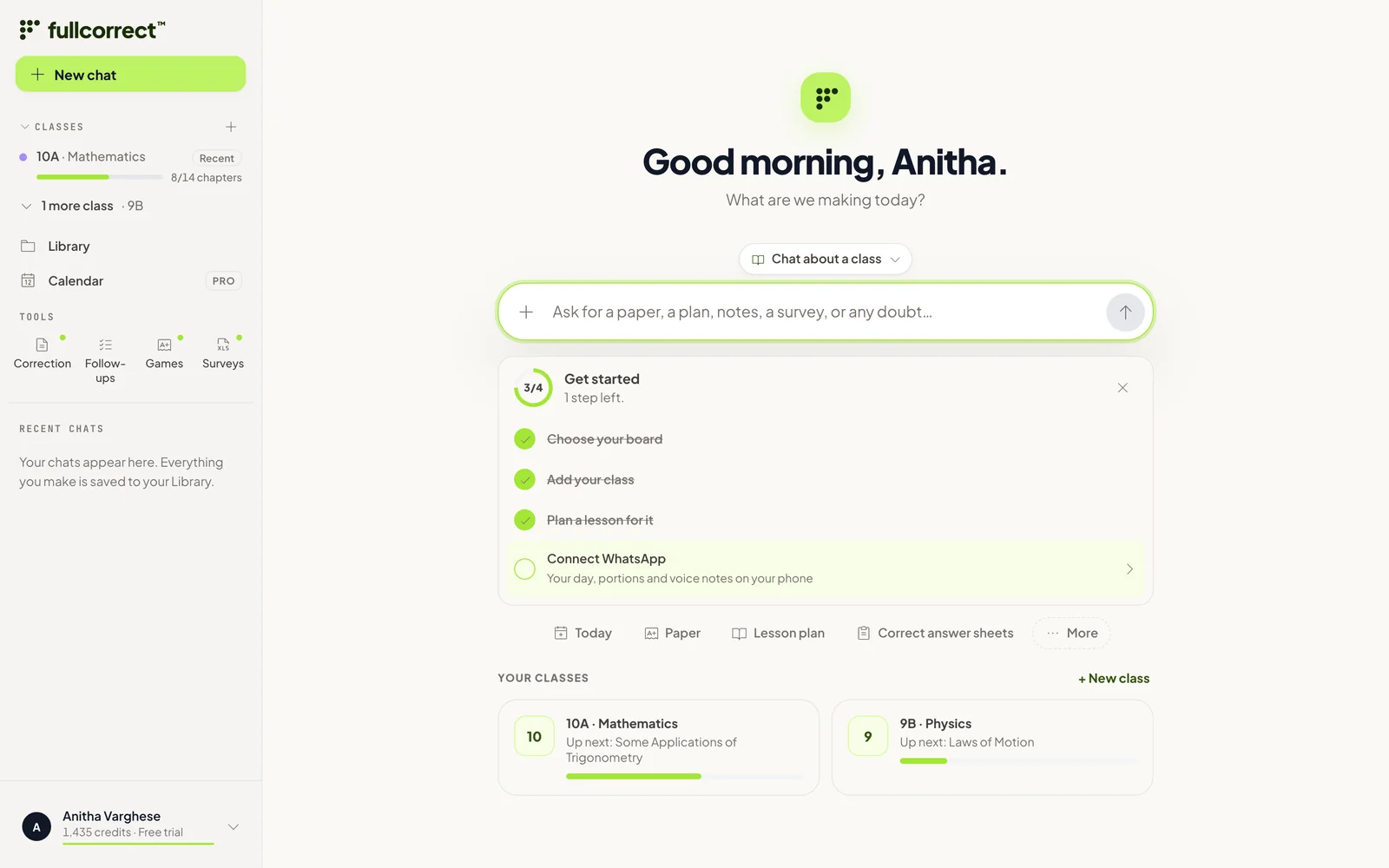
Overview
Teachers spend a large part of their working week preparing papers, writing plans and correcting scripts. FullCorrect takes on the preparation work, using the teacher's board, class and syllabus, so that the teacher can review and finalise rather than start from a blank page.
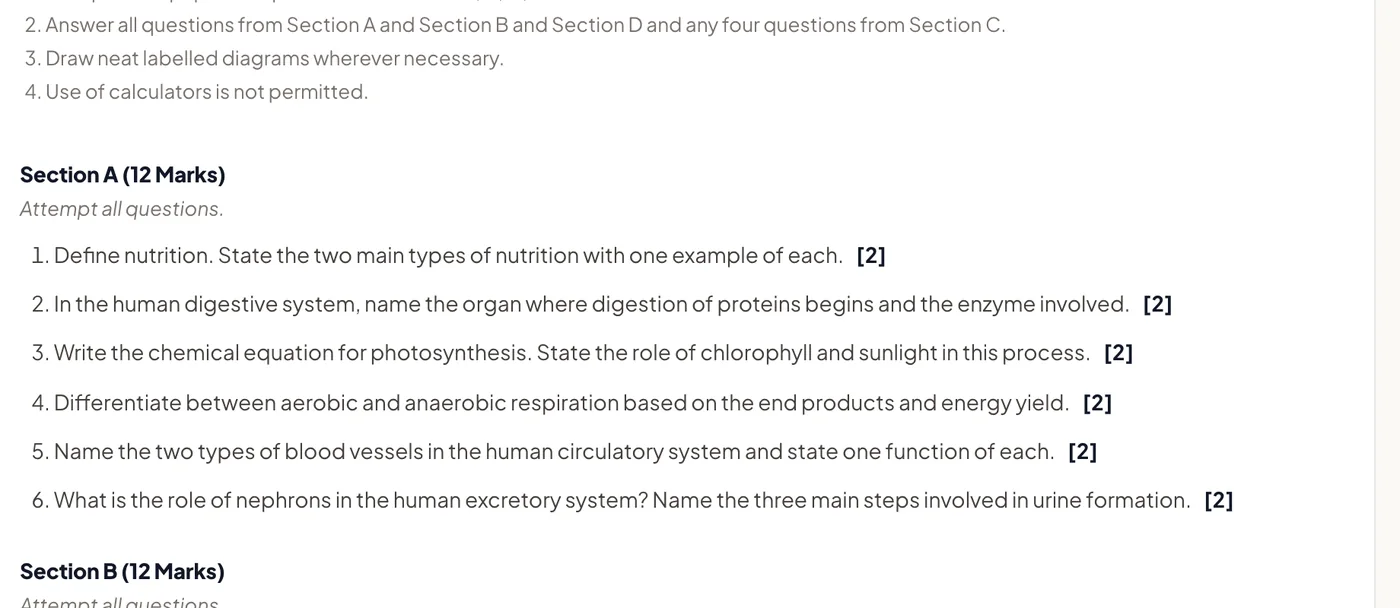
A teacher makes a request in plain language, for example a 40-mark Class 10 Science paper on a chapter, and receives a complete paper with sections, marks, internal choice and an answer key. The teacher can change any part of it before printing or downloading.
- Users
- Individual teachers
- Classes
- 1 to 12
- Curricula
- CBSE, ICSE, ISC and State boards
- Access
- Web browser on phone or computer; WhatsApp
- Languages
- English, with notes and follow-ups in Indian languages
- Status
- Available now
Question papers and answer keys
Papers follow the selected board's pattern and are drawn from the chapters the class has covered.
- CBSE competency-based and case-based questions; ICSE sections
- Internal choice, marks and a full answer key
- Each answer key is checked a second time before it is shown
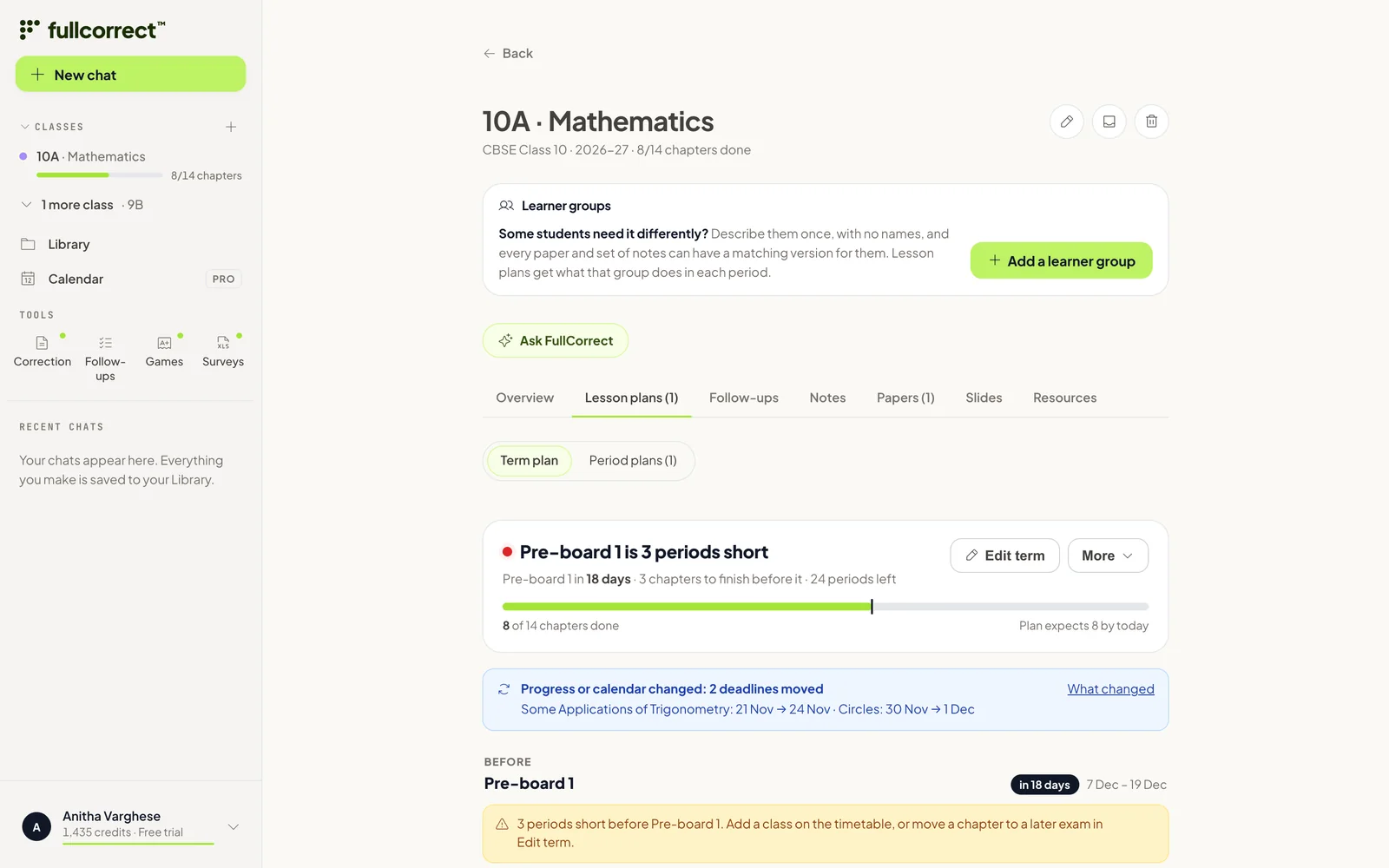
Term planning
Teachers set the term's months and examination dates. FullCorrect allocates each chapter to the timetable, reserves revision time and adjusts the schedule when holidays are added.
- Included in every plan at no charge
- Reminders when a chapter is due or overdue
- Month-wise syllabus split for printing or sharing
Capabilities
The full set of tools available to a teacher.
Answer-sheet correction
Teachers photograph handwritten answer sheets or upload a scanned PDF of the class. Each answer is marked against the answer key with a stated reason, and the paper's rules on choice and partial marks are applied. The teacher reviews every mark.
Follow-up checks
Short sets of questions on a recent lesson, answered by students on a parent's phone by tapping or speaking, in one of nine languages. Teachers receive a report of understanding and common misconceptions.
Lesson plans
Period-by-period plans aligned to the timetable, including the CBSE lesson plan format.
Differentiated versions
Adapted versions of papers and notes for learner groups, without storing student names.
Notes and slides
Teaching notes and slide presentations for any chapter, with Word and PowerPoint downloads.
Voice notes and video notes
Dictated voice notes and public lesson videos converted into structured notes, in English or Indian languages.
WhatsApp access
Daily timetable, pending portions and correction status on WhatsApp, with reminders only when the teacher enables them.
How teachers use FullCorrect
Set up classes
The teacher selects the board and adds classes and subjects. Chapter lists for the board are already available.
Make a request
The teacher asks for a paper, plan or notes in plain language, or uploads answer sheets for correction.
Review and finalise
The teacher edits the output, confirms marks and prints, downloads or shares the result. Materials are filed under the class.
Pricing
FullCorrect uses credits. New accounts receive 1,000 credits and seven days of access to Pro features, with no payment card required.
1,000 credits, once, sufficient for about 100 question papers. Seven days of Pro features from first use.
2,500 credits each month, with answer-sheet correction, classroom games, calendar and Word or PowerPoint downloads. ₹279.30 per month when billed yearly.
4,900 credits each month for higher correction volumes. Additional credits are available from ₹49.
Prices as published on fullcorrect.com on 19 November 2026. Refer to fullcorrect.com for current pricing.
Data protection
Hosting
Data is stored on Amazon Web Services in the Mumbai region.
Model training
Teachers' materials and students' answers are not used to train AI models.
Retention
Answer-sheet photographs are deleted automatically after 90 days; marks are retained.
Children's data
Follow-up checks ask for a parent's agreement first and collect only a name, roll number and answers.
Support
Teachers can raise a support request from within FullCorrect or from the website. Requests are answered by the Learnworks team by email.
- Help centre
- fullcorrect.com
Work with Learnworks
We welcome enquiries from schools, school groups, teacher networks and education partners about pilots, deployments and collaboration.